LiquidGlassJS
LiquidGlassJS
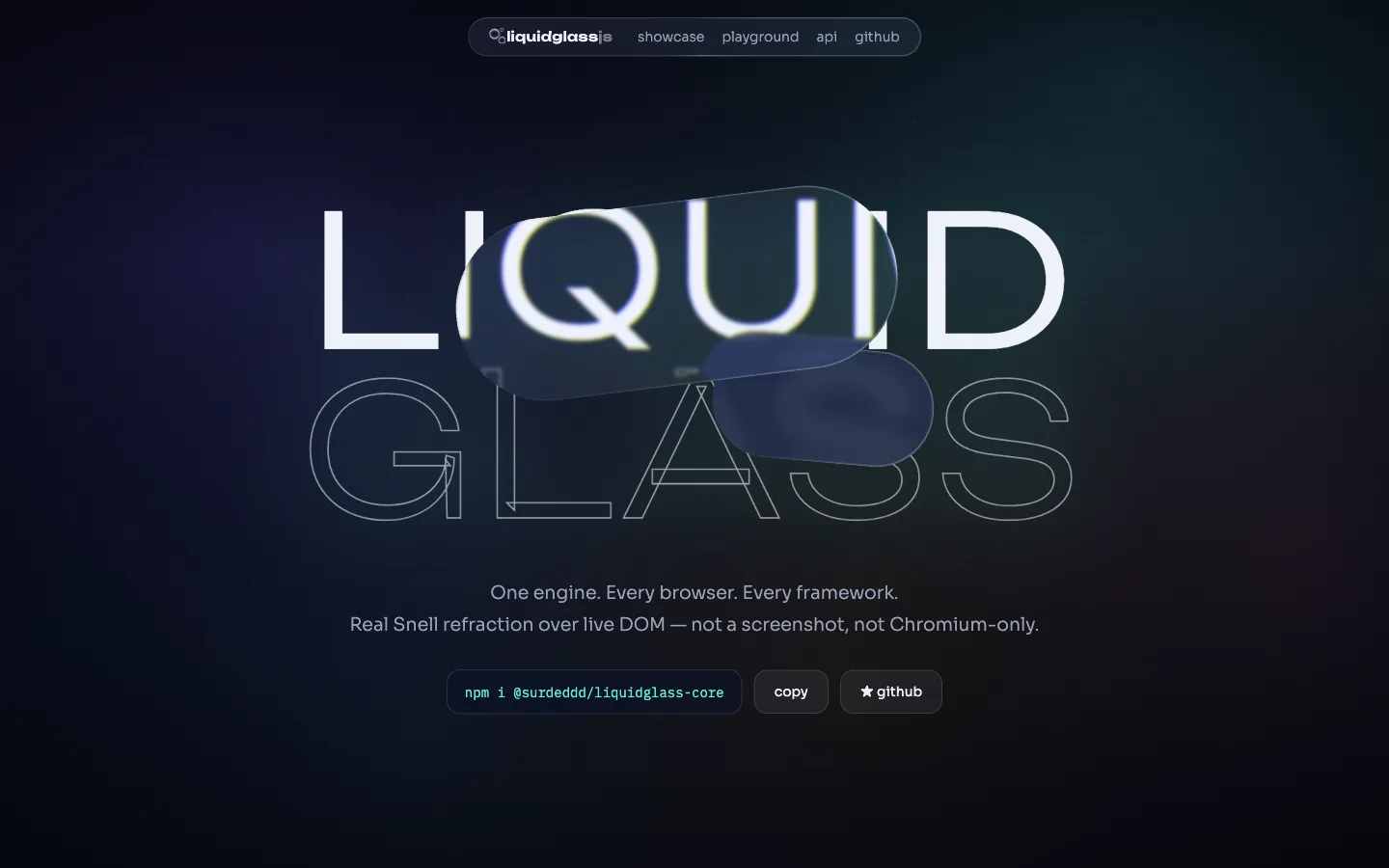
Liquid Glass for the whole web — one engine, every browser, every framework.




Real refraction over live DOM — not a screenshot, not Chromium-only. Living spring physics, iOS-26-style metaball merging, adaptive contrast, and accessibility baked in.
Live demo & playground → · API reference · npm
Why another liquid glass library?
Every existing implementation picked one rendering lane and died in it. LiquidGlassJS probes what the browser can do and routes each surface to the best available backend — under a single API:
@surdeddd/liquidglass
├─ physics springs: press squash, release wobble, hover magnetism
├─ material ior, frost, bevel, dispersion, specular, tint + presets
├─ a11y backdrop tone sampling, reduced motion / transparency
├─ dom-sync resize / intersection / scroll tracking
└─ backends
├─ css-svg backdrop-filter + displacement maps Chromium · live DOM
├─ svg-content counter-positioned live copy Safari + Firefox · live DOM
├─ webgl-scene full GPU optics over owned scenes explicit
├─ webgl-overlay one shared canvas + page snapshot metaball merging
└─ css-fallback graceful blur + tint everywhere
How it compares
| LiquidGlassJS | liquid-glass-react | liquidGL | samasante | liquid-dom | |
|---|---|---|---|---|---|
| Live-DOM refraction in Chromium | ✅ | ✅ | ❌ snapshot | ✅ | 🚧 behind flag |
| Live-DOM refraction in Safari/Firefox | ✅ | ❌ flat blur | ❌ snapshot | ✅ manual mode | ❌ |
| Automatic capability tiering | ✅ | ❌ | ❌ | ❌ | ❌ |
| Physics system (press/wobble/hover) | ✅ | partial | ❌ | partial | ❌ |
| Metaball merging over your page | ✅ | ❌ | ❌ | ❌ | ❌ |
| Adaptive contrast (auto tint + tone hook) | ✅ | ❌ manual flag | ❌ | ❌ | ❌ |
| prefers-reduced-motion / transparency | ✅ | ❌ | ❌ | ❌ | ❌ |
| Frameworks | vanilla · element · react 18+19 · vue 3 · svelte | react 19 only | vanilla | react | react 19 |
| Core dependencies | 0 | — | 0 | — | — |
Competitor capabilities as of July 2026 — methodology and sources in
docs/research/competitive-landscape.md.
The engine ships zero runtime dependencies; the optional snapshot tier bundles a vendored copy of
html-to-image into a lazily imported chunk, credited in THIRD-PARTY-NOTICES.md.
What it looks like
| Spring physics | Metaball merging + tab bar |
|---|---|
 |
 |
| iOS showcase | Config-exporting playground |
|---|---|
 |
 |
One package
| Entry | What you get |
|---|---|
@surdeddd/liquidglass |
Framework-agnostic engine — attach(), zero dependencies |
@surdeddd/liquidglass/element |
<liquid-glass> web component, works in any framework |
@surdeddd/liquidglass/react |
React 18 & 19 component + hooks |
@surdeddd/liquidglass/vue |
Vue 3 component + v-liquid-glass directive |
@surdeddd/liquidglass/svelte |
Svelte action |
React, Vue and Svelte are optional peers — install only the framework you already use.
Quick start
npm i @surdeddd/liquidglass
No build step — one script tag from a CDN:
<div data-liquid-glass-auto='{"preset":"frosted"}'>glass</div>
<script src="https://unpkg.com/@surdeddd/liquidglass"></script>
<script>
LiquidGlass.autoAttach()
</script>
import { attach } from '@surdeddd/liquidglass'
const glass = attach(document.querySelector('.panel'), {
preset: 'frosted',
ior: 1.5,
dispersion: 0.3,
motionLight: true,
physics: { wobble: 0.8 }
})
glass.set({ preset: 'clear' })
glass.destroy()
<script type="module">
import { define } from '@surdeddd/liquidglass/element'
define()
</script>
<liquid-glass preset="frosted" merge="dock">Hello</liquid-glass>
import { LiquidGlass } from '@surdeddd/liquidglass/react'
<LiquidGlass as="nav" preset="clear" dispersion={0.3}>…</LiquidGlass>
<LiquidGlass preset="frosted" :options="{ dispersion: 0.3 }">…</LiquidGlass>
<div v-liquid-glass="{ preset: 'clear' }">…</div>
<div use:liquidGlass={{ preset: 'frosted' }}>…</div>
Highlights
- Real lens optics — a convex squircle dome refracted by Snell's law (
ior, default 1.5): optically flat interior with a subtle whole-body magnification (magnify) and all the bending concentrated in a rim band that tracks your corner radius, exactly like iOS 26. - Edge chromatic aberration —
dispersionsplits R/G/B along the rim on the Chromium and WebGL paths (fidelity matrix). - Living specular bezel — a two-tone rim highlight that follows the pointer (or device tilt with
motionLight: true) instead of a painted-on gradient. - Tiered rendering — capability probe picks the best backend per browser; fidelity improves as browsers ship new APIs, your code never changes.
- Metaballs — wrap lenses in
<liquid-glass-group spacing="48">(or share amergegroup) and they melt into each other through an SDF smooth-min shader, the GlassEffectContainer way. Up to 8 lenses per group. - Scroll edge —
mountScrollEdge(document.body, { position: 'top' })progressively dissolves content under your floating bars, like iOS scroll edge effects. - Morphing —

morphGlass(from, to)hands one control's geometry to another on a spring, the glassEffectID transition. - Living physics — a mass–spring–damper system drives gel squash, wobbly release and magnetic hover on any backend; sleeps when idle.
- Adaptive contrast — glass samples backdrop luminance, flips its own tint over light content and exposes
data-liquid-glass-tonefor your text. - Accessible by default — reduced motion and reduced transparency are respected live; every injected layer is aria-hidden. Reduced transparency is only observable from a page in Chromium 118+, so the opaque fallback is a bonus rather than a contrast plan.
- Fast enough to be honest about — ten lenses scrolling continuously open in the mid-30s with dispersion at full quality and settle around 100 once the fps watchdog drops the extra passes; render-on-demand everywhere, and nothing keeps a frame loop alive when the page is still. Both numbers, and the machine they came from, are in docs/performance.md.
Development
pnpm install
pnpm build && pnpm typecheck && pnpm lint && pnpm test && pnpm coverage && pnpm ssr && pnpm size
pnpm e2e
That is the list CI runs, in the same order. The fps benchmark wants the demo served on 4173 first:
pnpm --filter demo exec vite --port 4173 --strictPort, then pnpm bench.
The landing + playground lives in apps/docs, the test harness in apps/demo, research notes in
docs/research.
Documentation
| README on GitHub | Requirements, the full options table, runtime and events, troubleshooting |
| Recipes | Whole components: nav bar, tactile card, melting tab bar, morph, lens over your own art |
| Performance | What each surface costs, which knob moves it, how the fps watchdog behaves |
| Browser support | Engine-by-engine behaviour, the per-backend fidelity matrix, version floors |
| API reference | Generated from the published entry points |
License
MIT